A native SFTP / FTP client,
made simple for Mac.
OpenSCP is a native Swift SFTP / FTP client built around a familiar two-pane layout and keyboard-driven, function-key workflow.
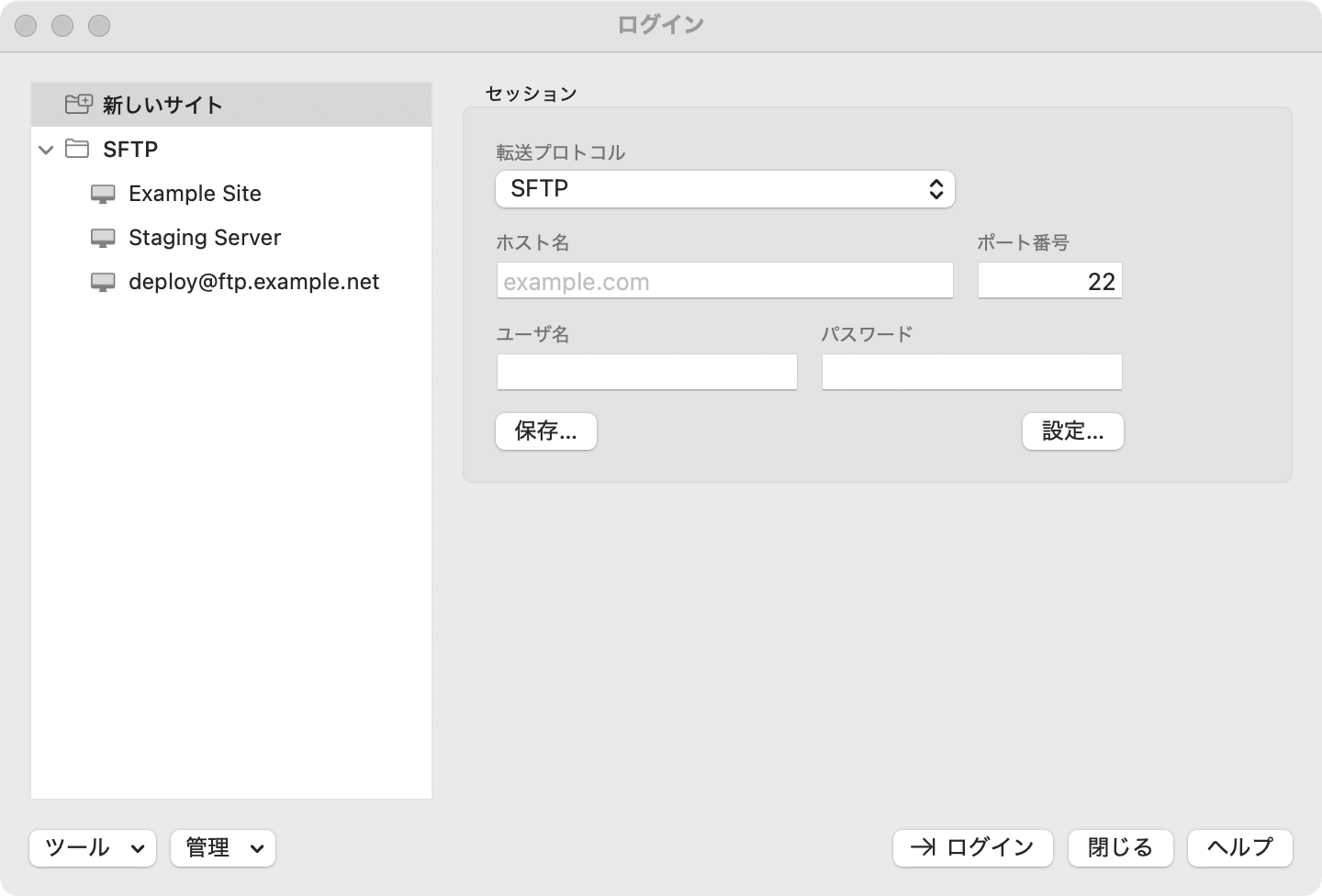

A familiar keyboard workflow, carried over.
A function-key-first layout and a familiar screen structure. Almost nothing new to learn.
Two interface styles
"Explorer" pairs a directory tree with a file list; "Commander" places local and remote side by side. Switch anytime.
Familiar keyboard shortcuts
F2 to rename, F5/F6 to transfer, F7 to create a folder, F8 to delete, F9 to change permissions — muscle memory just works.
External editor integration
Press F4 to open a remote file in VS Code or your editor of choice; saving it uploads automatically. No round-trip hassle.
Built-in SSH console
Run commands directly on the connected server, right from the same window, without leaving your current directory.
Host key verification
Fingerprint checks just like OpenSSH. Changed host keys trigger a warning, protecting you from man-in-the-middle attacks.
iCloud sync
Saved sites and passwords sync across multiple Macs via iCloud Keychain / iCloud Drive.
Pricing
Core features are free. Pro removes the limit on saved sites and concurrent sessions.
Free
- All core features: connect, transfer, edit, SSH console, and more
- Up to 3 saved sites
- 1 session (tab) at a time
OpenSCP Pro
- Unlimited saved sites
- Unlimited sessions (tabs)
- Pay once, no recurring cost
Download
OpenSCP is being prepared for the Mac App Store. Thanks for your patience.